

As mobile usage continues to grow and new online businesses continue to launch every day, many businesses are converting their websites into mobile apps to stay competitive, improve customer engagement, increase retention, boost conversions, and deliver a better user experience.
With billions of smartphone users worldwide, mobile apps have become one of the most effective ways for businesses to stay connected with their customers and build long-term brand loyalty.
Why Do You Need a Mobile App?
The internet is more competitive than ever. Every day, users discover new websites, products, and services. As a result, it’s easy for customers to get distracted, switch to competitors, or simply forget about your website altogether.
A mobile app solves this problem by giving your business a permanent place on your customers’ smartphones. Instead of opening a browser, searching for your website, and navigating through multiple pages, users can access your business with a single tap.
Mobile apps also provide benefits that websites alone often cannot, including:
– Push notifications for customer engagement
– Faster access to products and services
– Better user retention
– Improved customer experience
– Increased brand visibility
– Higher conversion rates
While custom mobile app development can cost you thousands, web to app converters offer a faster and significantly more affordable alternative.
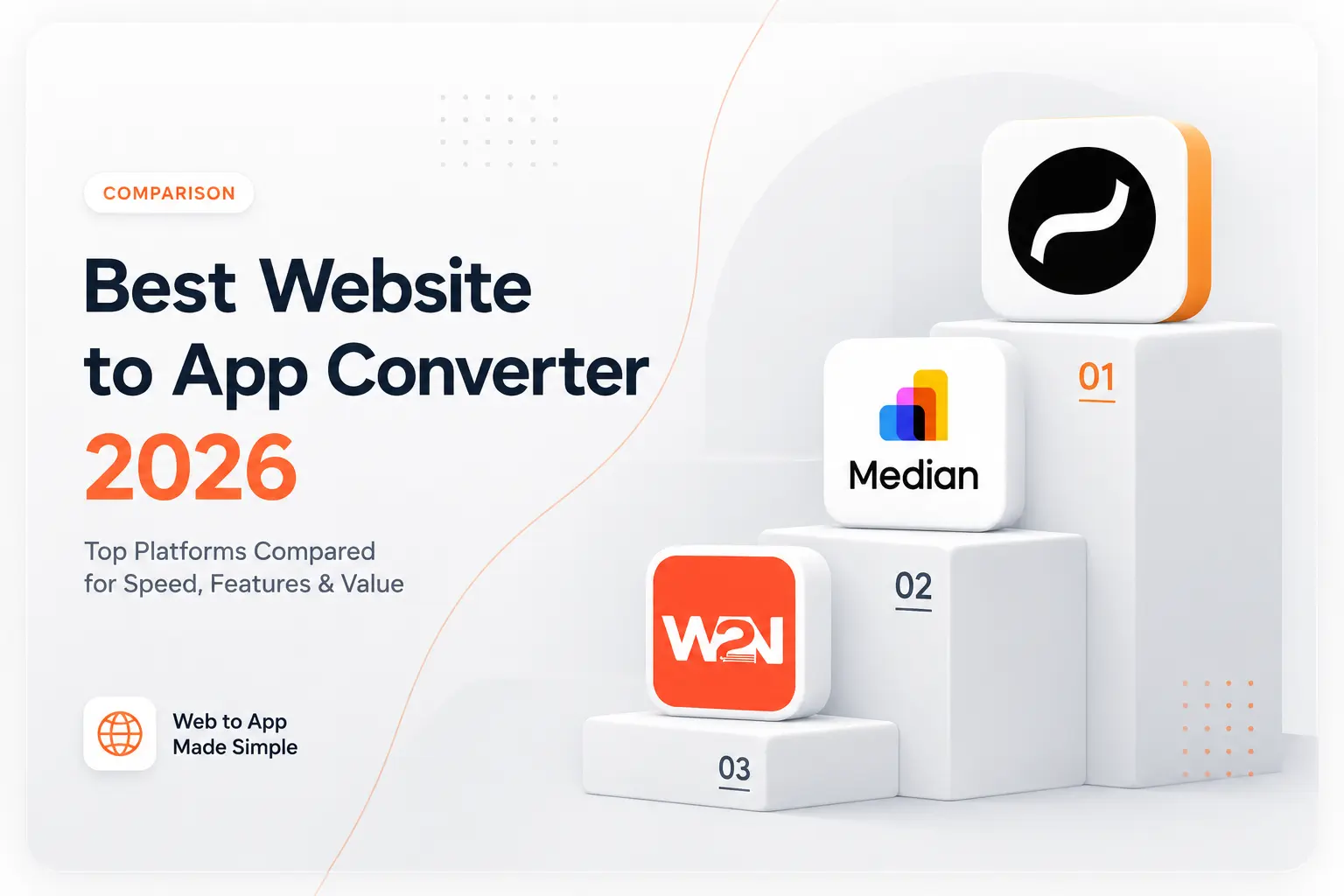
Best web to app converters in 2026:
In this guide, we’ll talk about the top 5 best web to app converters in 2026:
1. Nativine
Nativine.com allows users to convert a website into an app within minutes. It generates Kotlin-based PlayStore-ready Android apps and App Store-ready iOS apps while offering more than 50 native features and integrations. The platform also provides no-cost rebuilds for purchased apps. Its interface is simple to use, and apps can be generated in just a few minutes. Nativine is a strong option for all types of websites to app conversations.
Key Features that are true Native SDK based
– Nativine JS Bridge (50+ feature control)
– Native navigation support
– In-app payments
– Biometric Login
– Nativine MCP
– Hepatic touch feedback
– In-app ratings
– Deep linking support
– Full device sensor and hardware control
– OAuth & Social Login
– Barcode & QR Scanner
– Material UI support for Android and Swift for IOS
– App Store and Google Play Store ready
Enterprise grade security
– SSL pinning
– SHA signed Fingerprint
– Custom Keystore
– Custom tabs
MCP Integration
One of Nativine’s biggest advantages is that it is currently the only website-to-app converter in this category offering MCP (Model Context Protocol) capabilities.
This makes development easier, as users can integrate the Nativine MCP with supported IDEs and use prompts to automate app development workflows.
For organizations exploring AI-powered workflows, intelligent automation, and next-generation app experiences, this creates a significant advantage.
Why Nativine Stands Out
Unlike many platforms that primarily wrap a website inside a simple WebView container, Nativine focuses on creating a more native app experience while maintaining a straightforward conversion process.
Businesses choose Nativine because it specifically offers
– Advanced native app capabilities
– AI-ready infrastructure through MCP support
– Fast implementation and deployment
– Lower development costs
– Extensive customization options
– Ongoing platform innovation
– Easy website-to-app conversion for Android and iOS both
– 100% app publishing success rate till date
– Public NPM packages
– Public forum/community support
– Multi-medium client support
Nativine includes all the core features commonly offered by website-to-app converters while also providing additional native capabilities, MCP support, AI-assisted workflows, extensive customization options, and no-cost rebuilds. This makes it a suitable solution for businesses of all sizes, from startups to large organizations.
2. Median
Median is a website-to-app converter that helps businesses turn existing websites into Android and iOS applications without rebuilding their platforms from scratch.
Key Features
– Website-to-app conversion
– Push notifications
– Offline support options
– Native device integrations
– App Store submission assistance
– Analytics integrations
Limitations
Some advanced features and customizations may require additional configuration depending on project requirements.
Best For
– Businesses with existing websites
– Organizations requiring mobile app versions of their platforms
– Companies looking to get their apps managed by third party.
3. WebToNative
WebToNative is a website-to-app conversion platform that allows users to create Android and iOS apps from their existing websites. Limiteda JS- bridge control and no MCP support.
Key Features
– Android and iOS app creation
– Push notifications
– In-app navigation controls
– Basic native integrations
– Quick setup process
– Paid add-ons/ plugins
Limitations
Some native capabilities and advanced customization options may be limited depending on project requirements. Requires additional cost for rebuilds.
4. GoNative
GoNative is also another website-to-app converter that enables businesses to package their websites into mobile applications for Android and iOS devices.
Key Features
– Website wrapping technology
– Push notifications
– Native paid plugins
– Deep linking
– Offline functionality options
– Third-party integrations
Limitations
Pricing is relatively high and feature availability may vary depending on the selected plan and requirements.
5. Appilix
Appilix is our last tool on the list. It is a known website-to-app conversion platform designed for businesses that want to create mobile applications from sites.
Key Features
– Website-to-app conversion
– Push notifications
– App branding customization
– Native app packaging
– Store submission support
Limitations
Advanced features may vary depending on the selected plan and business requirements.
What Is a Website-to-App Converter?
A website-to-app converter is a platform that uses native shells or wrapper to convert an existing website into an Android app, iOS app, or both without requiring businesses to build a separate mobile application codebase or backend from scratch.
Instead of spending months developing a seperate mobile app, businesses can use their existing website and launch a mobile application much faster. This helps reduce development costs while increasing accessibility for mobile users.
Many of known examples that use webview apps include Amazon, Meta, Gmail, Uber etc.
How Does Website-to-App Conversion Work in web to app converters?
Website-to-app conversion starts by entering a website URL and configuring the required features to convert web into app using automated no code workflow.
The platform then generates Android and iOS app builds while allowing users to add mobile-specific functionality such as push notifications, splash screens, deep links, native navigation, camera access, and more.
Once configured, the app can be submitted to the Google Play Store and Apple App Store.
What Is a WebView App?
A WebView app is a mobile application that displays website content inside an app container.
Rather than opening a browser such as Chrome or Safari, users access the website through the mobile app itself.
Many website-to-app converters use WebView technology because it allows businesses to reuse their existing website infrastructure.
WebView App vs Native App
One of the most common questions businesses ask is whether they should choose a WebView app or a fully native mobile app.
Native apps are built specifically for Android and iOS using platform-specific technologies and often require significantly higher development costs.
WebView apps allow businesses to launch faster by using their existing website while still supporting many native mobile features.
Modern website-to-app converters combine WebView technology with native features to provide a more app-like experience.
Are WebView Apps Allowed on Google Play Store and Apple App Store?
Yes. Thousands of successful apps currently available on the Play Store and Apple App Store use WebView technology either partially or entirely.
WebView apps are allowed on both the Google Play Store and Apple App Store as long as they provide useful functionalities and a good user experience.
Many businesses publish WebView-based applications successfully by including native features.
Can I Convert My Website Into an Android App?
Yes.
Most website-to-app converters allow businesses to convert websites into Android applications without coding.
This is commonly used by:
– Shopify stores
– WooCommerce stores
– eCommerce websites
– SaaS businesses
– Blogs
– Membership platforms
– Educational websites
– Service businesses
The resulting Android application can then be published on the Google Play Store.
Can I Convert My Website Into an IOS App?
Yes.
Most modern website-to-app converters support iOS app generation as well.
Businesses can create iPhone and iPad applications from their websites and publish them on the Apple App Store after completing Apple’s review process.
How Much Does It Cost to Convert a Website Into an App?
The cost depends on the method used.
Custom mobile app development can cost thousands depending on requirements, features, integrations, and development timelines.
Website-to-app converters are a significantly more affordable option.
What Features Should You Look For In a Website-to-App Converter?
When selecting a website-to-app converter, businesses should consider:
– Avoid basic wrapper and PWA
– Android app support
– iOS app support
– Push notifications
– Deep linking
– Native navigation
– Branding customization
– App Store support
– Google Play Store support
– Native integrations
– Security controls
– Docs
– JavaScript bridge
– Avoid Rebuild cost
– Avoid reocciring payments
Choosing a platform with a wider range of native features can help create a better mobile experience and reduce future development requirements.
Frequently Asked Questions About Website to App Converters
What Is the Difference Between a Website and a Mobile App?
A website is accessed through a browser, while a mobile app is installed directly on a user’s device.
Apps also help businesses stay visible because customers see the app icon every time they use their phones.
Is Converting a Website Into an App Worth It?
For many businesses, yes. But businesses that should avoid it include static landing pages, websites with no dynamic functionalities, purely information based websites etc, non-responsive websites.
If your customers regularly visit your website, an app can improve engagement, retention, and customer loyalty. Apps also create additional opportunities through push notifications and personalized experiences.
Businesses with eCommerce stores, memberships, SaaS platforms, online communities, booking systems, and content platforms often see the greatest benefits.
Which is the most cost effective and efficient website to app converter available?
Most website-to-app converters charge monthly, annual, or one-time fees and are high in cost. Compared to median, Webtonative and other platforms, Nativine.com has a convincing cost while allowing businesses to build apps within minutes.
Can I Send Push Notifications Through a Website-to-App Converter?
Yes.
Most modern website-to-app platforms include push notification functionality.
Push notifications allow businesses to re-engage users, announce offers, share updates, recover abandoned carts, and increase customer retention.
This is one of the biggest advantages of having a mobile app.
Can I Convert a Shopify Store Into an App?
Yes.
Many website-to-app converters support Shopify stores including nativine.com.
This allows store owners to launch Android and iOS apps while keeping product management, inventory, orders, and payments synchronized with Shopify.
Can I Convert a WordPress Website Into an App?
Yes.
WordPress websites are among the most common websites converted into mobile apps.
Can I Convert a WooCommerce Store Into an App?
Yes.
WooCommerce stores can be converted into mobile apps while maintaining products, orders, customer accounts, and checkout functionality.
This provides a mobile shopping experience without rebuilding the store from scratch.
What Is MCP and Why Does It Matter?
MCP (Model Context Protocol) is an emerging standard that enables AI systems to connect with apps, tools, and external services more effectively.
Among the platforms listed above, Nativine stands out by offering MCP support, making it particularly attractive for businesses planning long-term AI adoption and automation implementation.
Which Website to App Converter Is Best in 2026?
The best platform depends on your goals but nativine stands out because of its robustness, one-time cost, lifetime access, 100% release guarantee, multi-channel support and community, detailed documentation, 5 times more features compared to other platforms and has the most powerful JavaScript bridge ever made for WebViews with 50+ native device APIs, typescript support, tree shakeable, ESM, CJS, UMD (CDN ready).
Website-to-app converters have become one of the fastest ways for businesses to establish a mobile presence without investing heavily in custom app development.
While multiple platforms offer website-to-app conversion capabilities, Nativine combines Android and iOS app generation, 50+ native features, MCP support, no-cost rebuilds, and playstore and app store-ready deployment within a simple conversion process.